Automation signals
Detects automation traces
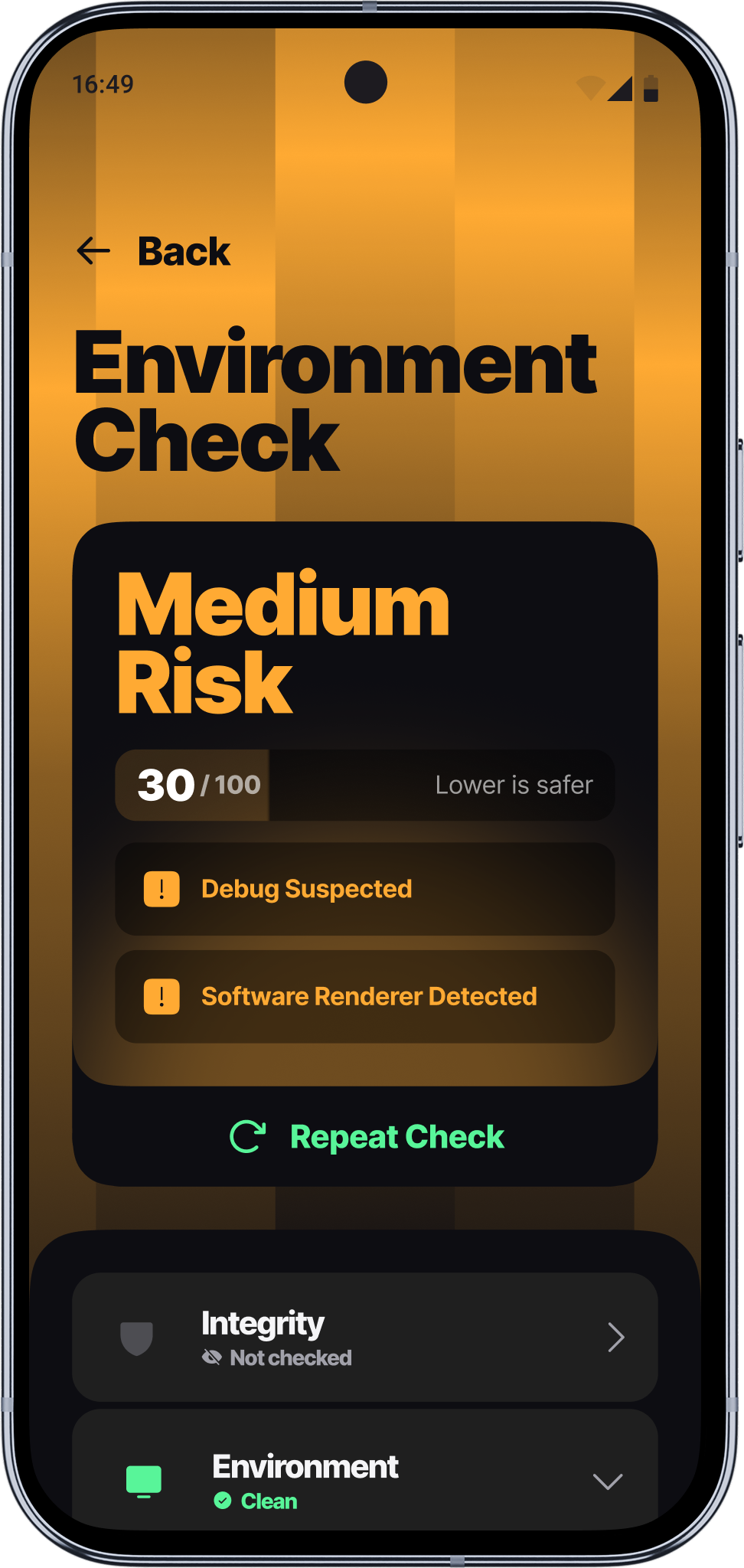
Virtualization indicatorsEmulator tracesDevice consistencyBuild property integrity
Scan your cloud phone or mobile emulator. Catch a flagged setup before a platform does. Install, scan, and see your results.
Confirm your cloud phone passes the same trust check banks and payment apps use.
Find out if your cloud phone reads as a real device or gets flagged as an emulator or virtual instance.
Detect root access and other signs your device has been modified.
Spot the automation tools that get cloud phone setups flagged.

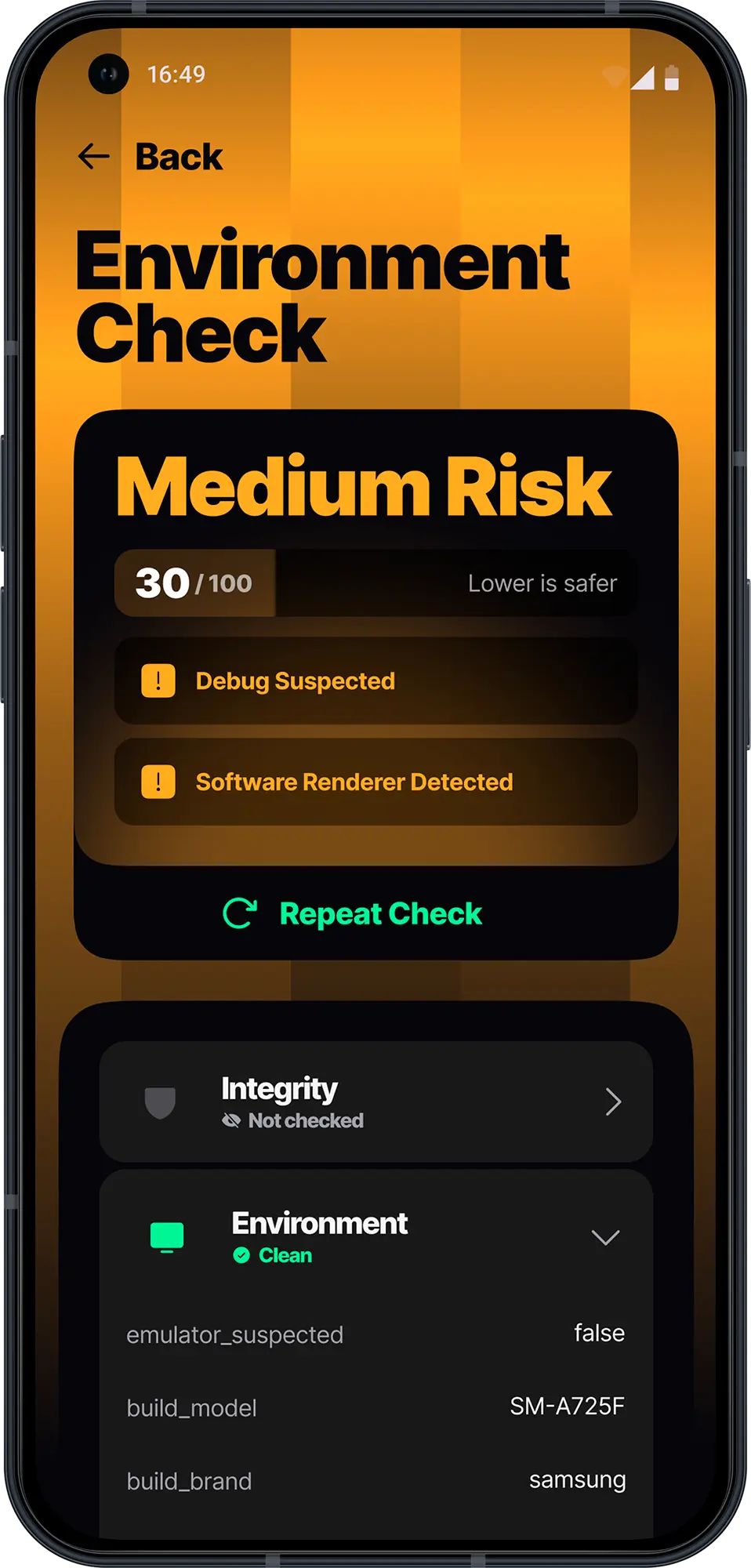
View your Trust Score to evaluate the risk: the lower the score, the lower the risk of restrictions or shadowbans.
System consistency, API behavior, build flags
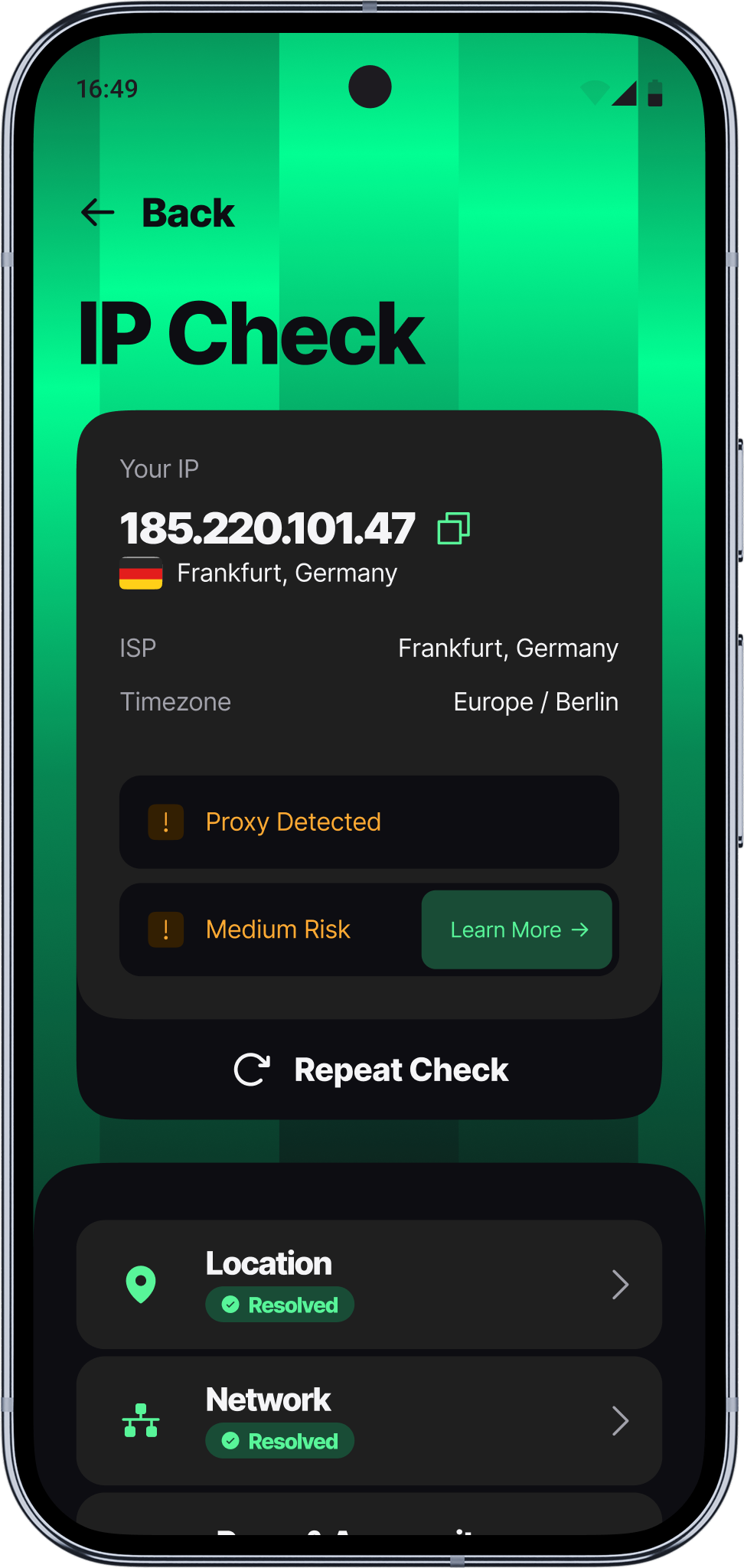
IP quality, routing coherence, provider reputation
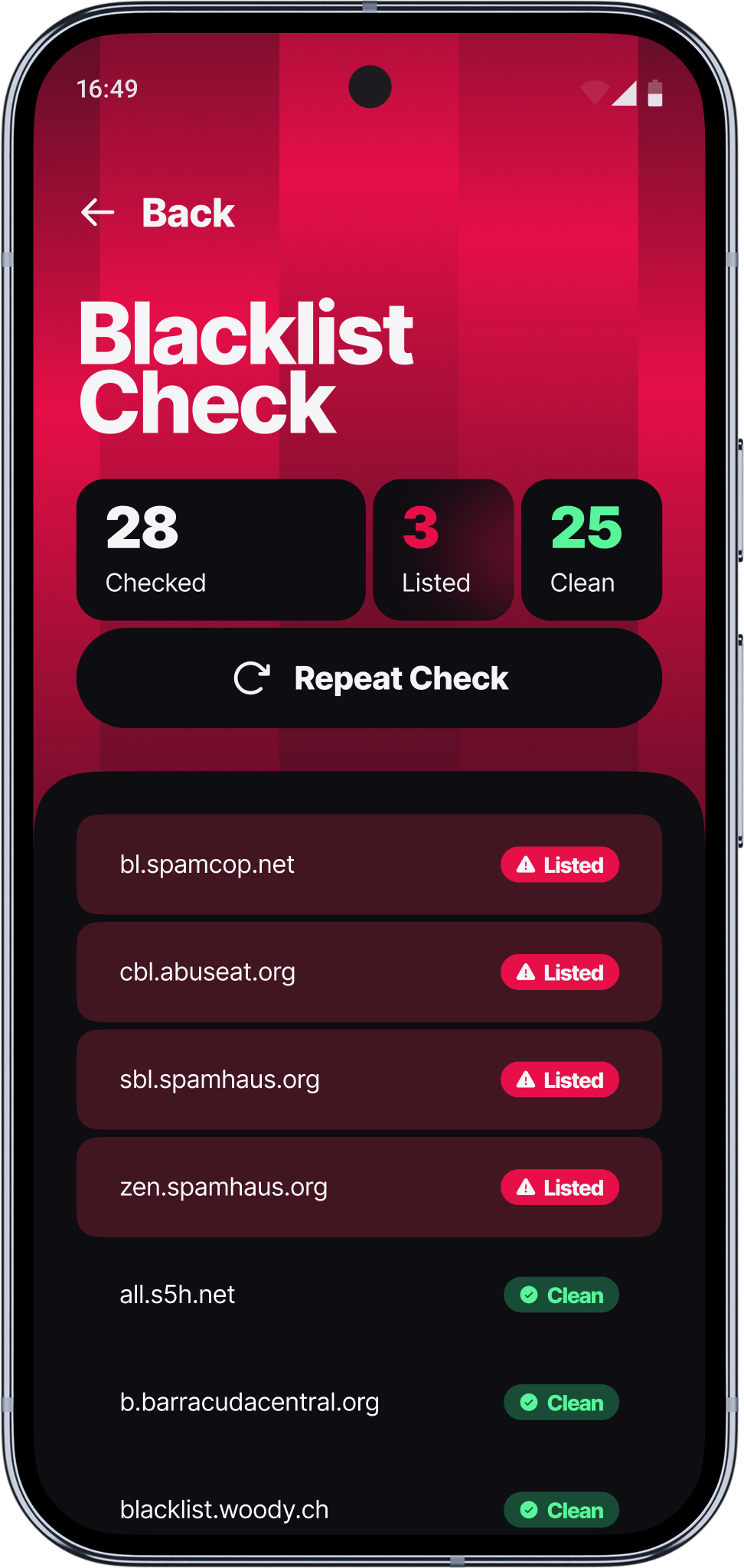
Known risk databases, abuse registries, threat feeds
Detects automation traces
Measures account safety
Checks device uniqueness
Install Android Checker, tap once, and see your full results right away. No account needed.

Whether you're managing accounts, running QA, or operating at scale — device trust clarity reduces risk.
Catch the device signals that get accounts linked and banned.
Score your connection for leaks and blacklisted IPs.
Confirm your setup passes as human before you scrape.
Compare results across every device and emulator you test on.
Install the Pixelscan Android Checker to detect and fix any inconsistencies in your setup.
Pixelscan Android Checker scans a phone or cloud phone and reports what it reveals to the platforms it connects to. It covers six areas in one scan: integrity, environment, compromise, automation, network risk, and fingerprint surface, then rolls the results into a single score.
Yes. Download it from Google Play, open it, and run unlimited scans at no cost. No account or login required.
No. Every check runs locally on your device. The only thing sent off-device is your IP address, used once to pull threat intelligence data from Pixelscan's risk API. Nothing personal is stored.
Android Checker flags failed integrity attestation, root access or other signs of compromise, emulator or virtual machine environments, active automation tools, and network risks like blacklisted proxies, IP leaks, or a location that doesn't match your device's timezone.
Your score runs from 0 to 100, and lower is better. It's built from every signal flagged across all six categories, so a 0 means nothing came up. Once signals like root access, a leaking proxy, or a geo mismatch start appearing, the score rises, and each one is worth fixing before you rely on that setup.
Yes. Run a separate scan on each cloud phone you manage. Scans don't affect each other, so you can check as many as you need, one at a time.